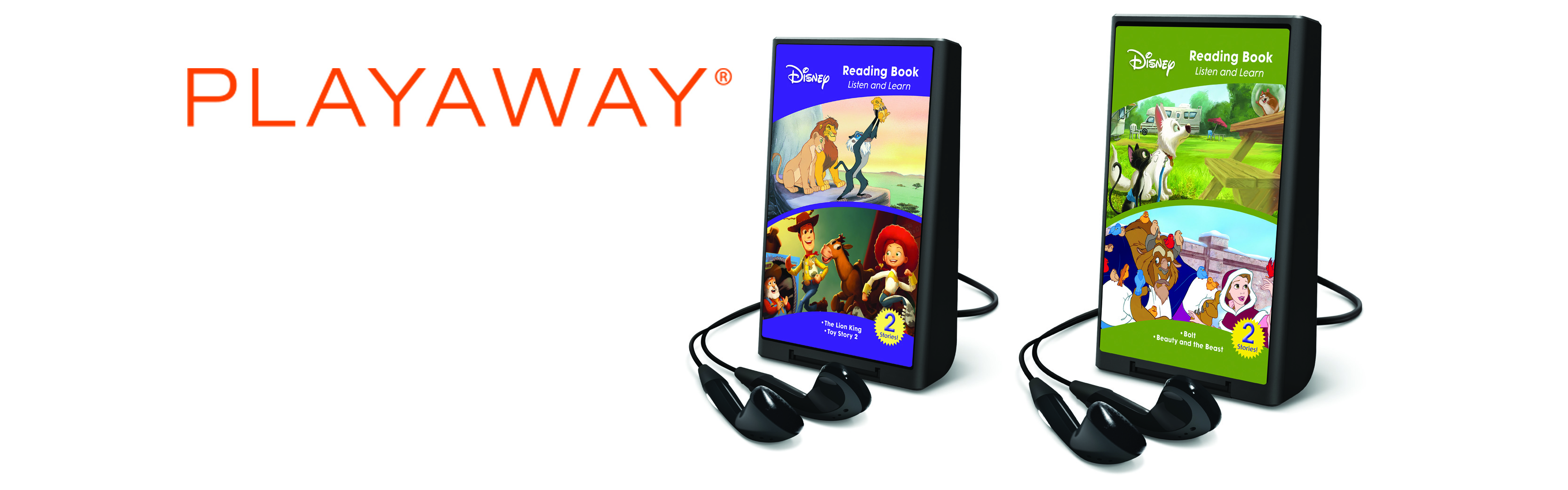
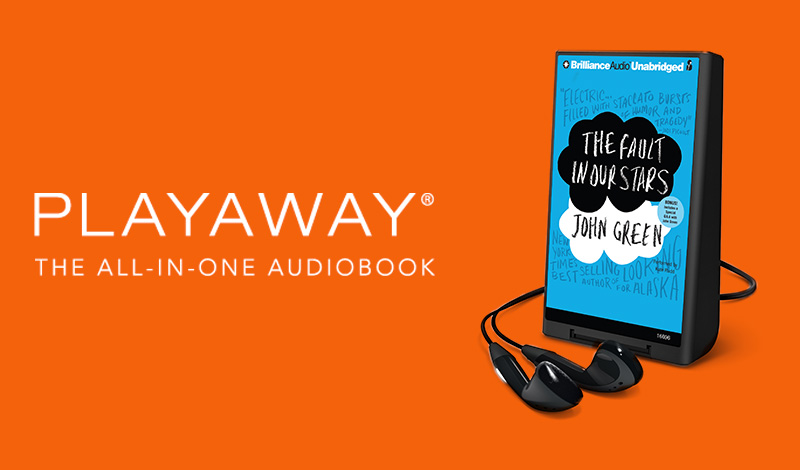
Playaway
Popular audiobooks. Pre-loaded and portable.
Your favorite Playaway titles are available directly from Perma-Bound! An all-in-one product, Playaway is a highly portable, easy-to-use player that comes with an entire audiobook already on it. From popular bestsellers to language learning programs, our catalog of over 2,500 titles is ideal for all ages and is constantly expanding by over 100 titles every month. We'll be continuing to grow our catalog of available Playaway titles each month, so make sure to check back to see what's new!
For more information including how to search for Playaways, click on the option to the right or scroll down this page.
More About The Format
Playaway Speaks for Itself
Playaway is the simplest way to listen to audio on the go. Each Playaway comes with the digital content already pre-loaded on it and a battery to make it play. Simply plug in earbuds and enjoy.
No Cassettes. No CDs. No Downloads. Just Play.
Playaway for Your Library
Get ready to introduce your patrons to the most innovative, yet user-friendly audiobook. With over 25,000 schools and libraries circulating Playaway, we're pretty sure your library staff will love it too. In fact, 99% of our library customers would recommend Playaway to another library.
- All-in-one audiobook format—no CDs to count, no hassles of downloading and no other equipment required
- Easy-to-use technology for all ages
- Small size and ultra-portability makes this the most convenient audiobook format available
General Product Information
How big is a Playaway and how much content can it hold?
Playaway is about half the size of a deck of cards and will hold the audio for an entire book – up to 80 hours of playtime.
What does the audio sound like on a Playaway?
Playaway audio is of equal or greater quality to digital downloads available today.
Newer Playaways, marked with HD Audio, have high-definition audio. This audio quality is unsurpassed by any other format today. This is made possible by proprietary audio processing, production and leading edge codecs.
Why can't I add, delete or transfer content on or from a Playaway?
In order to protect the copyrighted works of authors and publishers as traditional books do, you are unable to make copies of Playaway. But you can share them with friends just like you would lend your new bestseller.
How does Playaway compare to audio on cassette or CD?
Playaway is more convenient and easier to enjoy than juggling multiple CDs, cassettes or a separate player. Playaway allows the listener to control the speed of the narrator's voice and automatically bookmarks the last place they left off after powering down.
How does Playaway compare to digital downloads and other forms of on-the-go downloading like cell phones?
Playaway comes pre-loaded with great digital content, so it does not require information transfer fees, subscriptions, memberships, or even an Internet connection. Just plug-in your headphones and listen wherever you go.
Can I use another set of headphones with my Playaway?
Absolutely. In addition to the earphones provided, Playaway was designed with a universal headphone jack to work with almost any type of headphones, speakers or car adapters.
Can I use Playaway in a car?
Yes. Playaway was specifically designed to use most commonly available cassette adapters and FM transmitters. We also provide portable speakers for your Playaway that allow for on the go audio.
WARNING: CHOKING HAZARD
Small Parts | Not for children under 3 years.
Using Playaway
How I do tell the difference between Playaway versions?
The newest version of Playaway has HD Audio on the Playaway package and on the battery cover of the Playaway unit. The biggest difference between the older version of Playaway and the HD Audio version is the high-definition sound. In addition, the HD Audio version allows you to lock the keys while in play mode, slow down the speed, and resetting the Playaway includes a confirmation step. The improved battery life in the HD Audio version allows for more playtime.
How do I change the battery?
Locate the battery door at the wide base of the unit. Look for the notch holding the door in place. Using your thumb, firmly push up and away on the notch to open the battery door. Add or change battery and snap battery door back into place.
How long does one AAA battery last?
Every Playaway comes with a standard Energizer AAA battery which provides an average of 20 hours of playtime. For HD Audio Playaways, average playtime is 30 hours. Rechargeable batteries are also compatible with Playaway. Please note that playtime will depend on the brand.
How do I know how much battery life is left in my unit?
The Playaway LCD has a small battery icon that is displayed on screen. There are four levels of battery life reflected in the icon. When one bar is left in the battery icon, you have 20% power left.
How do I use a lanyard with my Playaway?
Locate the lanyard attachment area at the narrow top of the player. To attach the lanyard, simply thread and loop the lanyard into the indentation.
How do I reset my Playaway?
Reset for older Playaway versions:
While PAUSED, press EQ+SP+FWD+REV.
Reset for HD Audio Playaways:
While PAUSED, Press SP+REV. The LCD screen will ask you if you want to reset. Press Play to confirm/reset. When the Playaway is turned on again it will be at the beginning.
How do I lock and unlock the keypad?
This feature is enabled on HD Audio Playaways only.
While in PLAY, Press SP+REV
WARNING: CHOKING HAZARD
Small Parts | Not for children under 3 years.
Troubleshooting
We're happy to provide you with any help we can as you explore the features and functionalities of Playaway. Below are some tips and tricks to help you along the way!
Why won't my Playaway turn on?
We recommend inserting a fresh battery (please double-check to make sure it's inserted in the right direction). This is very often all that is needed to get your Playaway up and running again.
Please keep in mind, most Playaway titles should take approximately 3 to 4 seconds to turn on. For a small percentage of title that have long duration times or many chapters, start up could take 10 to 12 seconds.
Why is my Playaway skipping chapters?
This happens when the Shuffle play mode is activated. If your Playaway is pre-loaded with music content, the SP button enables/disables shuffle play functionality. Pressing the SP button once will enable Shuffle play mode and cause a randomization of the playback; pressing it again will disable the Shuffle play mode.
Why is the narrator's voice so fast (or slow)?
This can easily be adjusted by pressing the SP button to achieve your desired speed mode.
HD Audio Playaways have 5 options; older Playaways do not have the slow and slowest speeds.
SPD = Normal
SPD+ = Fast
SPD++ = Fastest
SPD- = Slow
SPD-- = Slowest
Why did the display screen say REBLD before turning off?
If this happened it simply means that your Playaway needed to reset. Upon the first power up after this occurs please be patient, as it could take 20 or 30 seconds longer before start up is complete.
WARNING: CHOKING HAZARD
Small Parts | Not for children under 3 years.
How to Search for Playaways on Perma-Bound.com
Advanced Search:
- You must be logged in as a Canadian user or Public Librarian in order to view and search for Playaways on our website.
- Click on the 'Advanced Search' link located in the upper right-hand corner of our website
- Select 'Playaways' from the Product Type drop-down box
- Enter in any other search criteria you want to refine your search by
- Click 'Submit'
Sales Disclaimer
Please note that Perma-Bound is currently only able to sell Playaways to Public Library customers in the US as well as to our Canadian customers. If you have any questions related to our Playaway offerings, including eligibility to purchase them from Perma-Bound, please our contact customer service department at +1 800 637-6581 or books@perma-bound.com.